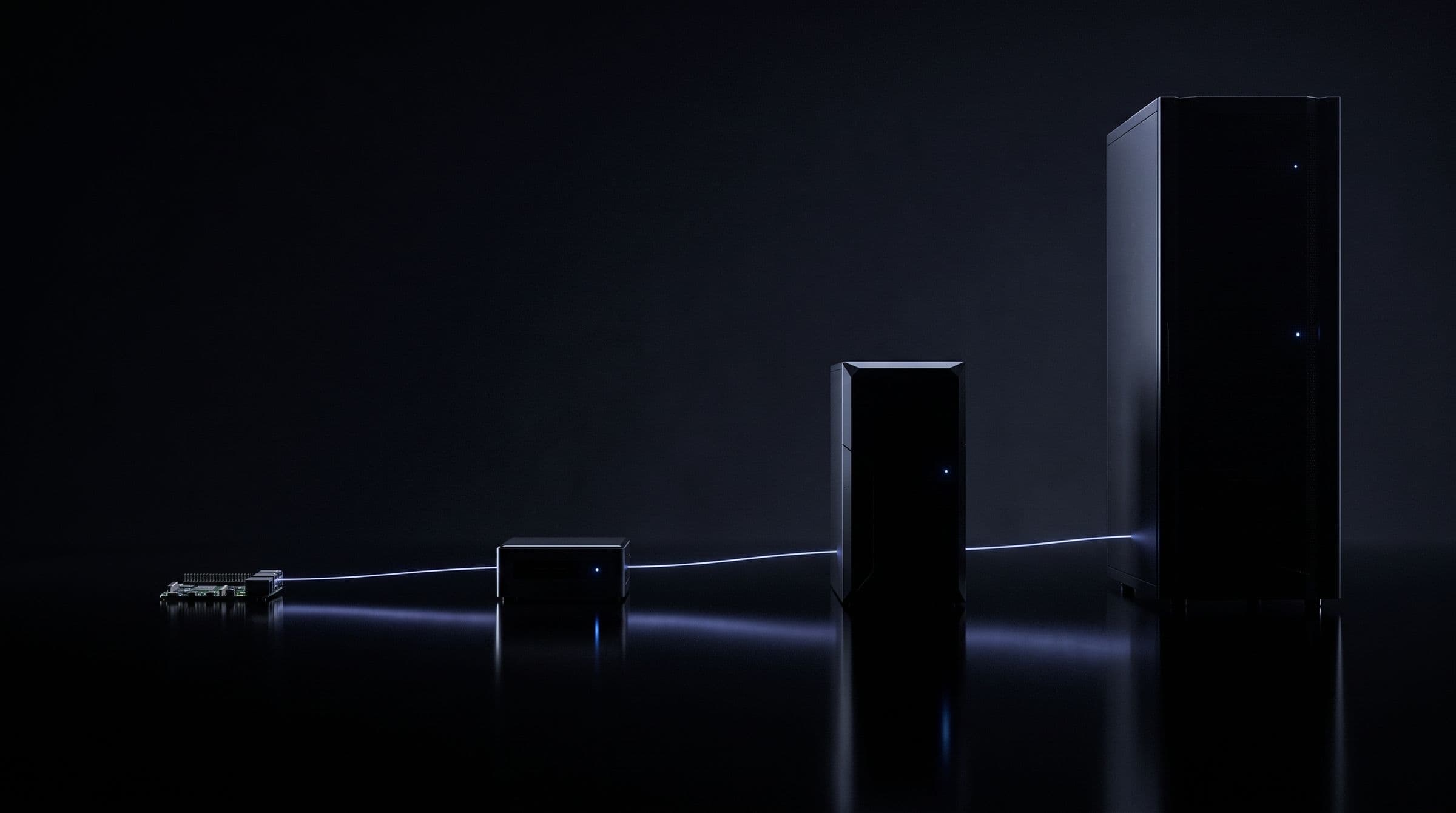
Download Tenzro.
One binary for every role.
curl -fsSL https://downloads.tenzro.com/install.sh | sh
tenzroirm https://downloads.tenzro.com/install.ps1 | iex
tenzroThe installer picks the build for your machine, checks the release signature and the archive's SHA-256 before it installs anything, needs no administrator rights, and puts tenzro in ~/.local/bin. Install, run tenzro, done: the first run checks the machine, asks whether you want to use, provide or validate, and walks you through setting up. The installer takes the CUDA build on a Linux machine with an NVIDIA GPU and the CPU build otherwise, the Metal build on Apple silicon and the CPU build on an Intel Mac. On Windows this release has the NVIDIA CUDA build only. A new node joins the network by replaying the chain from its genesis block. Install and first run.
Advanced and manual setup: download and verify by hand
- Linux x86_64tenzro-node-linux-x86_64-cpu.tar.gzCPU build · validator, RPC, storage, CPU-tier models · glibc 2.39 or newerSHA-256 5c838aa95c0553d40ca330e8e299f85f675303a8de1a2fba648f7d5dd587504f98 MB
- Linux aarch64tenzro-node-linux-aarch64-cpu.tar.gzCPU build · glibc 2.39 or newer (Ubuntu 24.04, Debian 13, Raspberry Pi OS Trixie)SHA-256 441dbd83643ec350c3a29ca0b9f922d6e97f1534f4d85c994a1f74f4a41eafe593 MB
- Linux aarch64tenzro-node-linux-aarch64-cuda.tar.gzNVIDIA CUDA · Grace and DGX Spark class · glibc 2.39 or newerSHA-256 1b87ba24cf7dea5623f65d8616688c71d33bc984b03ddfa7dc3d86d58ddd65cb803 MB
- Windows x86_64tenzro-node-windows-x86_64-cuda.zipNVIDIA CUDA · needs an NVIDIA GPU, its driver and the CUDA 13 runtimeSHA-256 5131a919df0fe90b398a222dd8e675d2067f371764aa17d62de2c4dcf1f72ad1467 MB
- macOS Apple silicontenzro-node-macos-aarch64-metal.tar.gzMetal · Secure Enclave keysSHA-256 5141369391bdbe33ad4f2fb47d5155a966aca9d9f7b6d86248fa7614e19c529f87 MB
- macOS Inteltenzro-node-macos-x86_64-cpu.tar.gzCPU buildSHA-256 7e316442787a80bbf14aa3f53879841ff03724d4441de54e011a1747bcbea32878 MB
tar -xzf tenzro-node-linux-x86_64-cpu.tar.gz
cd tenzro-node-linux-x86_64-cpu
./bin/tenzro setupcurl -O https://downloads.tenzro.com/SHA256SUMS
curl -O https://downloads.tenzro.com/SHA256SUMS.sig
curl -O https://downloads.tenzro.com/tenzro-release.pub
cosign verify-blob --key tenzro-release.pub --insecure-ignore-tlog=true \
--signature SHA256SUMS.sig SHA256SUMS
sha256sum -c SHA256SUMS --ignore-missingCheck every download before you install it: the manifest is signed with the release key and each archive is matched against it. Verify your download.
New to operating? See how roles, staking and payouts work.
Which archive fits your machine: Supported hardware. To operate: Run a validator node or join as a provider.

SDKs, APIs, MCP and the CLI.
Tenzro CLI
Wallets, identities, agents, models, payments, sponsorship and node management from the terminal. Included in every node archive above.
curl -fsSL https://downloads.tenzro.com/install.sh | shTypeScript SDK
Typed client for the network: identity, wallets, inference, payments, agents and the ledger.
npm install tenzro-sdkRust SDK
Async Rust client with the same surface as the TypeScript SDK.
cargo add tenzro-sdkPython SDK
Sync and async Python client for every RPC the node serves, with hardware signing through tenzro-device-key.
pip install ./tenzro-network/sdk/tenzro-py # from the repository; not on PyPI yetAPIs
JSON-RPC (EVM-compatible plus the tenzro_ namespace), a REST web API, and OpenAI-compatible inference endpoints.
https://rpc.tenzro.com · https://api.tenzro.comMCP
Every node serves MCP (revision 2026-07-28) over Streamable HTTP: give any MCP client that speaks that revision access to the network.
https://mcp.tenzro.com/mcpA2A
Agent-to-agent protocol endpoint, with signed agent cards for discovery.
https://a2a.tenzro.com
Check every download against SHA256SUMS, whose signature SHA256SUMS.sig verifies with the release key tenzro-release.pub. The release key fingerprint, the SHA-256 of its DER encoding, is c88aaee70b3c0bf17a994bad44963a6a72359b2e1497df9a15a40ed099aeb72d. The signature is ECDSA P-256 from a hardware-held key, and the manifest is the signed object. How each archive was built is recorded in matrix.json, with a software bill of materials and build provenance for the release commit. Steps for Linux, macOS and Windows are in Verify your download.
Verify it, then run it.
Check the signature and checksums, then start a node on a machine you control. Every release is signed and its builds are listed above.